Exto Tasks · Free
One list. Every task you already have.
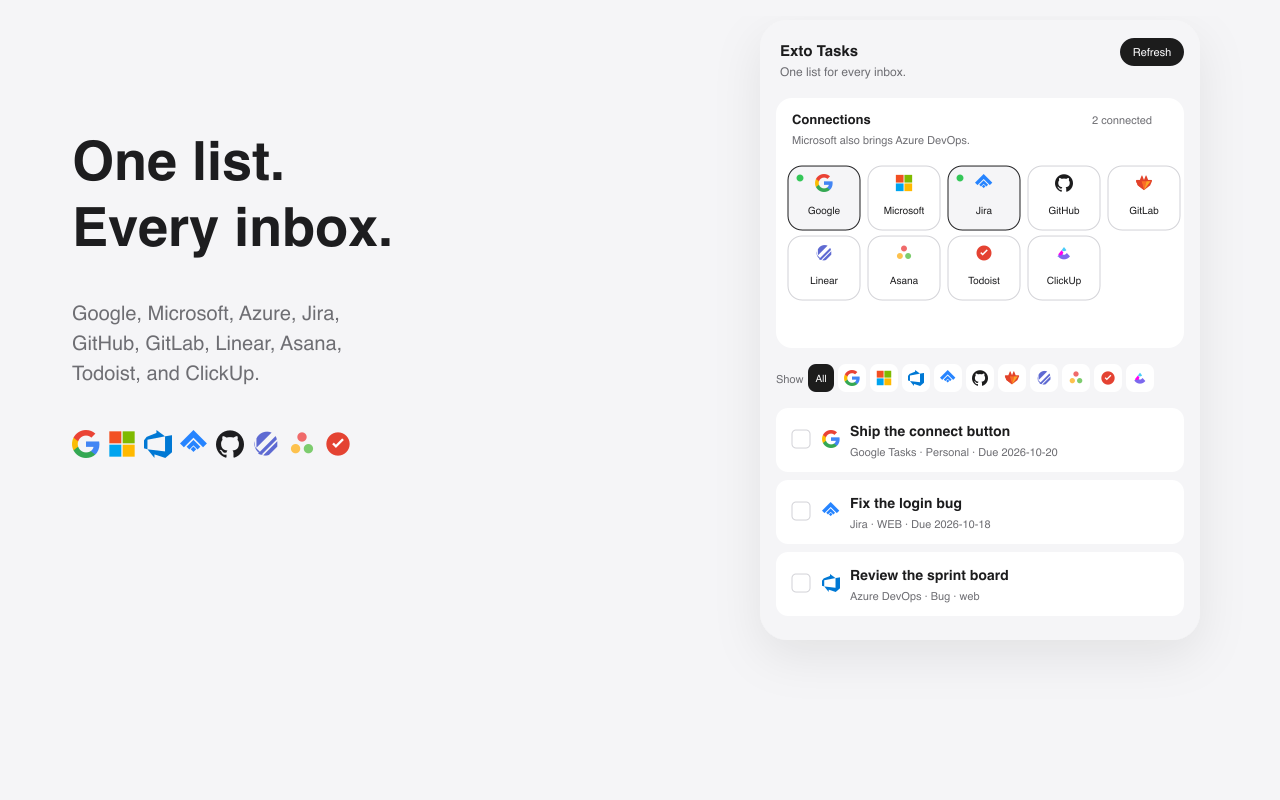
Google, Microsoft, Azure, Jira, GitHub, GitLab, Linear, Asana, Todoist, and ClickUp.
Exto Tasks
This extension is free to install.
Overview
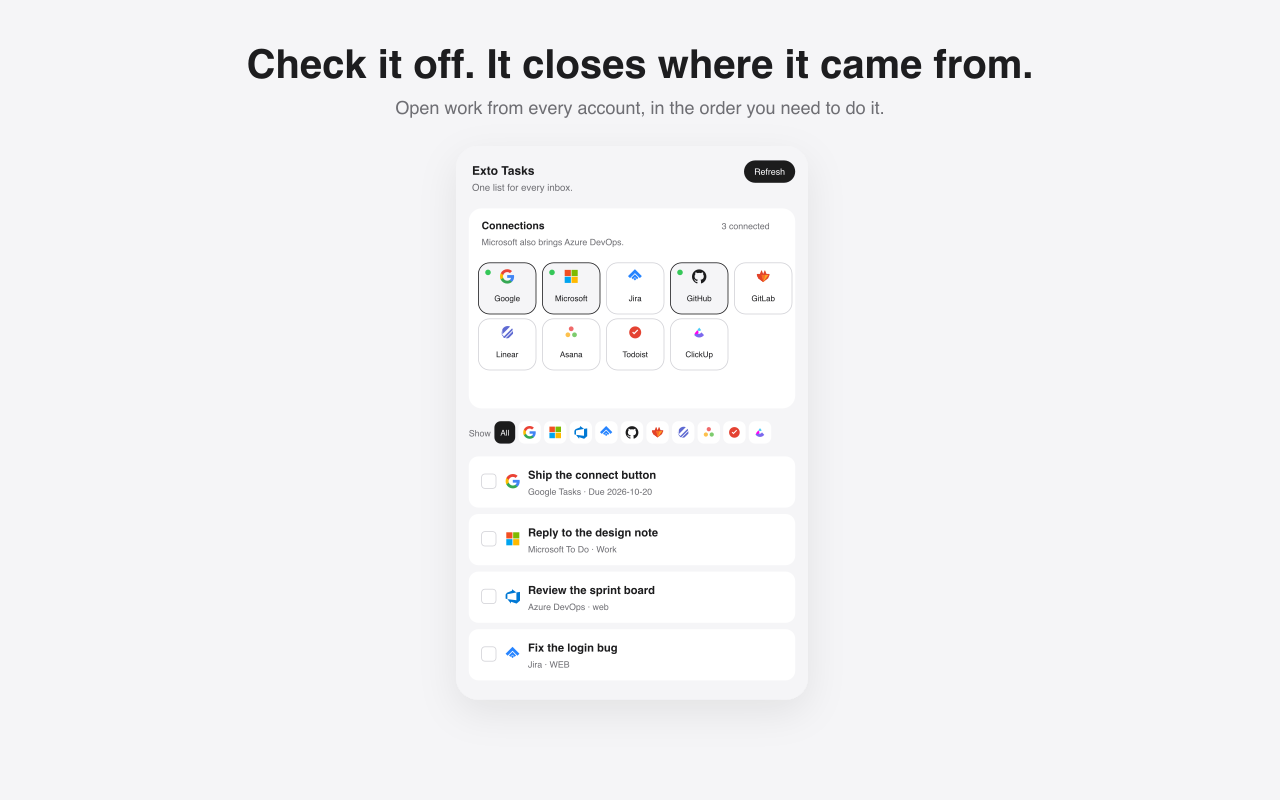
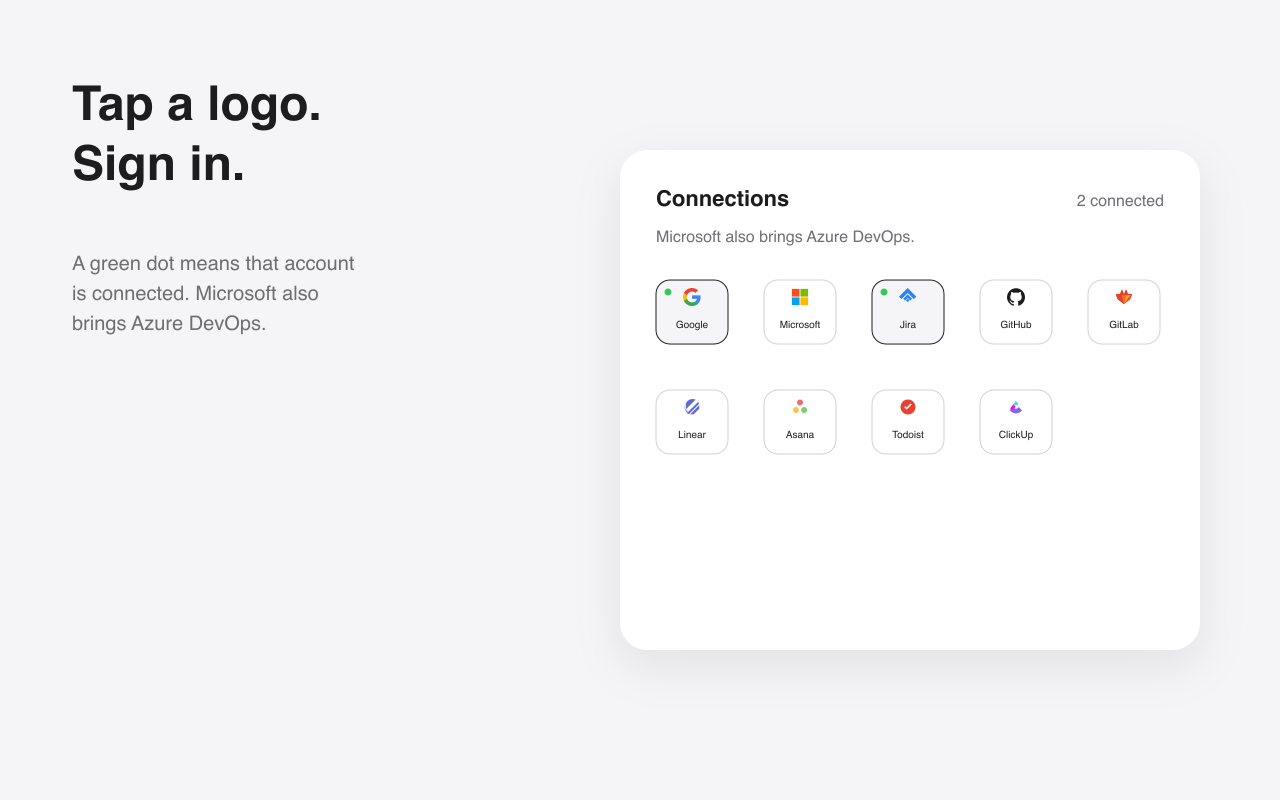
Exto Tasks reads the open work already assigned to you and shows it in one side panel. Press Connect and sign in to Google Tasks, Microsoft To Do, Azure DevOps, Jira, GitHub, GitLab, Linear, Asana, Todoist, or ClickUp. Check an item off and it is completed where it came from. New tasks can be added to Google Tasks, Microsoft To Do, Todoist, or Asana. Task text stays between this computer and that service. Load the unpacked folder extensions/tasks from chrome://extensions until the Chrome Web Store listing is published.
Connected work

Google Tasks
Open tasks from every Google list, with due dates.

Microsoft To Do
Open tasks from the Microsoft To Do lists on that account.

Azure DevOps
Work assigned to you. The Microsoft button covers this too.

Jira
Unresolved issues assigned to you in Jira Cloud.

GitHub
Open issues assigned to you.

GitLab
Open issues assigned to you on GitLab.com.

Linear
Issues assigned to you that are still open.

Asana
Incomplete tasks assigned to you.

Todoist
Tasks still open in Todoist.

ClickUp
Tasks assigned to you that are still open.
Features
Google and Microsoft
Google Tasks, Microsoft To Do, and the Azure DevOps work assigned to you. One Microsoft sign-in covers To Do and Azure.
Jira
Unresolved Jira Cloud issues assigned to you. Checking one off moves it through Done.
GitHub and GitLab
Open issues assigned to you, closed in the project when you check them off.
Linear, Asana, Todoist, ClickUp
The same list for the other inboxes. New tasks can be added to Todoist or Asana.
Screenshots